Sunday, October 29, 2017

Cara Download GIF dari Twitter pada telepon anda

Cara Download GIF dari Twitter pada telepon anda

Langkah-langkah untuk Ambil GIF dari Twitter pada telepon anda:


# 1 Pada tutorial kali ini kita  akan menggunakan aplikasi pihak ketiga pada perangkat atau smartphone  untuk men-download file ekstensi  GIF di twitter.

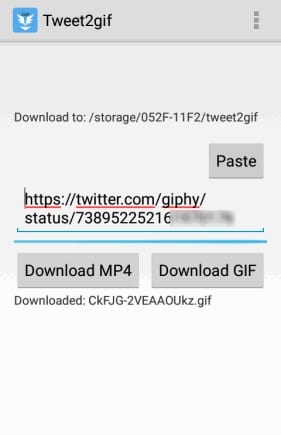
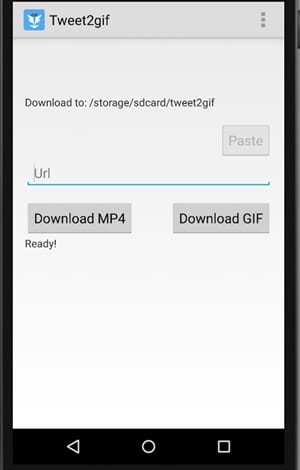
# 2 Nama aplikasi tersebut adalah Tweet2gif . Ini adalah aplikasi kecil dan menakjubkan yang benar-benar dapat mendownload GIF  dari Twitter. Pertama-tama, buka akun Twitter Anda dan kemudian cari GIF yang ingin Anda download.
Ambil GIF dari Twitter pada telepon anda

# 3 Copy link post twitter yang ingin anda download file gif nya dan pastekan ke aplikasi tweet2gif.
Ambil GIF dari Twitter pada telepon anda

# 4 Klik tombol Download GIf setelah itu aplikasi ini akan men-download gambar GIF dari link yang telah anda paste di alplikasi twitter2gif. Sederhana sekali kan caranya..selamat mencoba.

Inilah Cara Mudah Mengubah Font default pada Windows 10

Inilah Cara Mudah Mengubah Font default pada Windows 10

Langkah-langkah untuk Mengubah Font default pada Windows 10:


# 1 Pada metode yang akan kita bahas kali ini Akan ada modifikasi registri yang diperlukan agar dapat merubah  font pada Windows 10.

# 2 Sekarang buka control panel dan  pergi ke bagian Font, perhatikan font yang  digunakan oleh Windows 10. Ingat font tersebut  atau paste di notepad karena akan diperlukan sesudahnya.

# 3 Buka notepad dan kemudian membuat file baru dengan data yang diberikan di bawah:
Windows Registry Editor Version 5.00
[HKEY_LOCAL_MACHINE \ SOFTWARE \ Microsoft \ Windows NT \ CurrentVersion \ Fonts] 
“Segoe UI (TrueType)” =”” 
‘Segoe UI Bold (TrueType)’ =”” 
‘Segoe UI Bold Italic (TrueType)’ =”” 
“Segoe UI italic (TrueType)”=”” 
‘Segoe UI Cahaya (TrueType)’=”” 
‘Segoe UI Semibold (TrueType)’=”” 
‘Segoe UI Symbol (TrueType)’=””
[HKEY_LOCAL_MACHINE \ SOFTWARE \ Microsoft \ Windows NT \ CurrentVersion \ FontSubstitutes]
“Segoe UI” =”Masukan font baru”

# 4 Dalam notepad  paste nama font yang ingin Anda terapkan, paste di mana ada tertulis “ masukan font baru ” di baris akhir. Simpan file dengan ekstensi .reg dan kemudian jalankan  Ini akan meminta Anda untuk menggabungkan file ke registry editor.

# 5 Restart perangkat pc dan selesai,selamat font windows 10 anda telah berubah

Saturday, October 28, 2017

GeekBench Reveals Galaxy A7 Offal (2018), Have an Exynos chipset

GeekBench Reveals Galaxy A7 Offal (2018), Have an Exynos chipset

Samsung created the Galaxy A series specifically for the mid-range smartphone display alias middle class. To date, there are three variants have been introduced, namely A3, A5 and A7. All three also by Samsung kept updated once every year.

At the end of 2017's, leaks on the Galaxy A (2018) also began to blow. A few days ago, rendering the Galaxy A5 (2018) have been revealed, now leaks on the Galaxy A7 (2018) also began exposed.

GeekBench appear on the site, the Galaxy A7 (2018) reportedly will bring concepts like bezel-less tub Galaxy S8. The device is also registered with the serial number SM-A730F and bring the specification to support Exynos 7885 chipset.

A bit of information for you, chipset from Samsung are manufactured with 14 nm process technology with composition plus 2x to 6x Core Core A73 A53. Other support, the smartphone is also supported by the Mali GPU-G71.

It seems clear, the specifications presented by Samsung in Galaxy A7 (2018) has increased compared to the previous series. But more than that, the smartphone will be equipped with a jumbo-capacity RAM, which is 6 GB.

Of course, this is a good news for the lovers of Samsung products, especially for those who like the Galaxy A7 series. Because, until now, Samsung has embedded the RAM so relieved only in the Galaxy Note 8.

And it is also possible, in the year 2018 the South Korean smartphone manufacturer will embed RAM also jumbo into multiple product lines developed middle class.

Having almost the same runway kitchen with flagship smartphone, GeekBench give score 1490 (single-core) and a score of 4172 (multi-core). The resulting scores Exynos in the Galaxy A7 (2018) was satisfactory, even middle-class equivalent to a Qualcomm chipset.

If the Galaxy A7 (2018) really bring the specifications of this kind, it is likely the battery capacity also increased. Rumor has it, the Galaxy A7 (2018) will be released in early 2018, or rather at the CES 2018 event in Las Vegas, USA.

2 Step How to Lock 4G network on Android Smartphone

2 Step How to Lock 4G network on Android Smartphone

We all know that the data packages offered by mobile carriers today are quite complicated. There are quotas network 4G , quota networks, quotas midnight, and others.


For some users, it sucks. Because, they just want to enjoy the service with the help of the network without the need to think about quotas 4G network live how, how much quota all living tissue, and so forth.

Special quota of network 4G , if the data packet you much more to offer the quota, there are simple tricks you can do, which makes the smartphone lock 4G network only.

For that, there are two ways you can go. Let's find out the explanation here.

1. Manual

The first way is by typing * # * # 4636 # * # *.
2 Step How to Lock 4G network on Android Smartphone


Instantly will appear three menus, namely Device Information, Usage Statistics, and Wi-Fi Information.


Select Device Information, and will perform a variety of information about your device, ranging from the IMEI number, signal strength, network currently used, other dams.

Scroll down the screen, search Set preferred network type. Select LTE only.


Done, now the smartphone you will only receive network 4G . Furthermore, tap the Home button to return the main screen.

2. Applications
The second way is to use the application. Basically, this application only acts as a shortcut from the code discussed above.

On the Google Play Store there are few applications with such functions. One application that we recommend is 4G Switcher (4G LTE Switch).
2 Step How to Lock 4G network on Android Smartphone

So, when you open the app, you will instantly find menu Device Information, Usage Statistics, and Wi-Fi Information. The next step exactly as described above.

However, it should be noted, trick lock 4G network is only valid for the SIM card 1. Therefore, make sure the SIM card provider that you use, built-in slot 1. The other drawback is that each time the smartphoneoff or restart , this setting will be changed to normal

Two other things that also should you notice is an area you must already covered 4G network operator you use and may not all brands of smartphone Android can do this trick.

Thus locking the 4G network on smartphone Android. Hopefully these tips useful for you who want fast Internet access.

Microsoft Say Goodbye on Kinect

Microsoft Say Goodbye on Kinect
Later, a number of new game titles will also be launched simultaneously with the release of Kinect for Windows V2.


After the information about the sequel buzz, Microsoft finally spoke about the future of Kinect. The company decided not to further continue these accessories.

Excerpted from The Verge , Friday (10/27/2017), a company based in Redmond, United States of America is no longer continue production of Kinect. Thus, having exhausted the stock of these accessories on the market, the company will not resume sales.

Despite not resume production, Microsoft called they will provide support for users who already have it. Yet support for the developer is still uncertain.

Launched to compete with motion control which is owned by Nintendo Wii, the market response to this accessory was not as expected. The number of games is fairly not enough and a less smooth controls make this device do not reap success.

For information, this accessory is already debuted on the Xbox 360. After that, Microsoft is trying their luck to accompany the sale of the Xbox One with Kinect.

But alas, this device is not also received positive attention. Interruption Thus, this technology is not completely finished. Microsoft turns to immerse the Kinect technology in some of the newest products.

One is the technology depth-sensing is now used in HoloLens. In addition, a number of laptops are also implementing facial recognition like in Kinect support Windows features Hello.

Once the PC, AMD Releases Special Ryzen Notebook Processors

Once the PC, AMD Releases Special Ryzen Notebook Processors

AMD has just announced a new line of processors Ryzen intended for devices notebook . Previously, the company has launched Ryzen processor for desktop PCs in the segment of high-end and entry-level.

Known, two Ryzen processors for the notebook is Ryzen 5 Ryzen 7 2500U and 2700U. Designed specifically for notebook ultrathin , AMD's new processor is technically the APU ( accelerated processing units ). What does it mean?

As reported by Ubergizmo , Friday (27/10/2017), the new processor Ryzen has a CPU and GPU integrated into the processor.

Good Ryzen 5 Ryzen 7 2500U or 2700U, two new processors Ryzen is paired with a Radeon graphics processor Vega were also launched in August 2017.

For your information, speed of 2.0GHz which is present in Ryzen 5 2500U user can increase to 3.6GHz. Meanwhile, Ryzen 7 2700U which has a 2.2GHz speed can be upgraded to 3.8GHz.

In terms of performance, AMD claims the new processors this Ryzen series promises increased CPU performance up to 200 percent compared with the processor notebooks previous generation. Not only that, the graphics performance has increased up to 128 percent.

The company promises the processor notebook this new will be installed and can be tested directly in some notebook -made HP, Acer, and Lenovo that slid by the end of 2017.

Samsung said sarcastically Google Display Pixel 2 XL?

Samsung said sarcastically Google Display Pixel 2 XL?

Samsung released an ad on the screen superiority of smartphones Galaxy, when the number of Google users Pixel 2 XL complained of the screen. Ad titled Samsung Galaxy: Screen Review was released on video sharing site YouTube.

Reported by GSM Arena , Saturday (28/10/2017), Samsung released a video a few days ago. In the video, a number of YouTuber and influencers of mobile giving praise to screen smartphone Galaxy. This video is alleged to remind them about what other people said about smartphones Galaxy before Pixel 2 XL appears.

Samsung through this video is believed to want to convey the message that the screen smartphone hers is the best in the world. The screen hailed belonged to Galaxy S8, S8 Galaxy Plus and Galaxy Note 8.

Video Samsung is interesting because Google is facing problems related to a number of Pixel 2 XL. Some users complained that the screen Pixel 2 XL as it changes color, easy to heat, even some of the burn.

Google is investigating the cause of the problem on the screen Pixel 2 XL. This issue is quite annoying Google considering Pixel series 2 barely a month are sold in the market. Smartphone was first visited the market on October 19, 2017.

Google took two manufacturing contract to produce Pixel 2 and Pixel 2 XL. HTC handle production of Pixel 2, while LG's Pixel 2 XL. Google also uses the screen made by LG for Pixel 2 XL.

Windows 10 Download Full Version 32 atau 64 Bit

Windows 10 ISO Download Full Version 32 Bit - 64 Bit (Panduan Lengkap). Di sini kita membahas dua metode  instalasi windows 10. Metode pertama adalah dengan meng-upgrade windows secara gratis  dan yang kedua adalah membuat disk instalasi untuk windows 10 agar bisa di install PC manapun.
Windows 10 Download Full Version 32 atau 64 Bit
Saya selalu menunggu rilis windows terbaru yaitu windows 10.Sebelumnya  Pengguna windows mengharapkan agar Windows 9 dirilis setelah sebelumnya rilis windows 8.1 ,tapi siapa sangka ternyata rilis windows 9 di lewati dan sekarang merilis Windows 10. Versi saat ini dari Windows 10 memiliki tampilan baru dari Metro Style UI (User interface) dan Microsoft tampaknya  mengambil langkah baru untuk membuat campuran antara Windows 7 dan Windows 8 untuk membuat Windows 10 terbaru .

Windows 10 Upgrade gratis atau download Full Version ISO (32 - 64 Bit)

Sejauh ini Windows 10 telah menerima tanggapan positif dari berbagai kelompok teknis dan itu resmi dirilis oleh Microsoft. jika anda telah melewatkan proses upgrade, Anda dapat dengan mudah Download Windows 10 upgrade atau Windows 10 free download versi lengkap untuk bebas biaya dan mendapatkan konsep tentang bagaimana produk ini akan bekerja. Saya juga bersemangat untuk menginstal windows 10 pada sistem baru saya.

Spesifikasi teknis dari Windows 10:

  • Nama dari perangkat lunak : Windows 10 gambaran teknis tersedia di versi 32 bit dan 64-bit  dengan bahasa Inggris.
  • Jenis Setup : Offline Installer / Penuh Pengaturan Standalone.
  • Kompatibilitas Arsitektur: 32bit (x86) / 64 Bit (x64)
  • Lisensi : Gratis
  • Pengembang : Microsoft

Persayaratan Minimum sistem untuk windows 10:

  • Untuk Upgrade OS  : - Anda akan membutuhkan Service Pack 1 (SP1) Dari Windows 7 atau Windows 8.1 (Windows harus diinstal yang asli).
  • Prosesor : 1 GHz atau lebih cepat prosesor atau SoC (system on chip). Versi 64-bit Windows 10 memerlukan prosesor yang mendukung CMPXCHG16B, PrefetchW, dan LAHF kemampuan / SAHF.
  • RAM : Setidaknya 1 GB untuk 32-bit atau 2 GB untuk 64-bit
  • Memori fisik (Hard Disk Space) : 16 GB untuk 32-bit atau 20 GB untuk 64-bit
  • Graphics : DirectX 9 atau yang lebih baru dengan WDDM 1.0 driver.
  • Tampilan atau Resolusi : 1024 x 600.
  • Sentuh : Untuk multi-touch dukungan tablet atau perangkat Windows.
  • Akun Microsoft : Diperlukan untuk beberapa fitur.
  • Dukungan Cortana : Hanya didukung di Amerika Serikat, Inggris, China, Perancis, Italia, Jerman, dan Spanyol.
  • Jendela Hello Face Recognition : kamera inframerah untuk pengenalan wajah atau deteksi iris, atau pembaca sidik jari yang mendukung Window framework Biometric.
  • Media Streaming : kemampuan tersedia hanya di daerah tertentu Xbox Music dan Xbox Video Streaming.
  • driver mode kernel kompatibel.
  • Enkripsi perangkat : InstantGo dan TPM 2.0.
  • BitLocker : Windows 10 Pro atau Enterprise, Trusted Platform Module (TPM) 1.2, TPM 2.0 atau USB flash drive.
  • Wi-Fi Direct Printing : Didukung Wifi Router untuk mengakses layanan

# 1 Cara: Upgrade dari Windows 7, Windows 8 / 8.1 untuk Windows 10 atau Upgrade Windows 10  Gratis.

Seperti yang sudah saya sebutkan sebelumnya, Windows 10 adalah upgrade gratis jika Anda menjalankan Windows 7 atau Windows 8.x. 

Berikut adalah bagaimana Anda dapat meng-upgrade:
Langkah 1. Pertama-tama, pastikan bahwa Anda memiliki versi asli Windows 7/8 / 8.1 sebagai update, ini hanya tersedia pada versi ini di windows asli.

Langkah 2. Buka windows update dengan cara mengarahkan ke Control Panel -> Windows Update.

Langkah 3. Sekarang windows versi lama anda akan mengupdate windows 10 terbaru.
Windows 10 Download Full Version 32 atau 64 Bit


Langkah 4. Klik pada Install update dan proses download akan mulai untuk Windows 10.

Langkah 5. Sekarang setelah langkah di selesau klik layar pada Windows tanda ikon di system tray.

Langkah 6. Di sana Anda akan melihat opsi untuk Reservation Dikonfirmasi dan setelah itu Unduh Pilihan Untuk Windows 10 .
Windows 10 Download Full Version 32 atau 64 Bit


Langkah 7. Sekarang Windows 10 akan mulai men-download pada komputer Anda dan ini dapat mengambil waktu sesuai dengan kecepatan internet Anda.

Sekarang ketika proses ini selesai maka windows anda akan reboot secara otomatis.

Sekarang Anda akan mendapatkan windows ke  versi yang paling menakjubkan yaitu Windows 10. Itu saja, Anda berhasil memiliki Windows 10 Upgrade gratis Download versi lengkap .

# 2 Metode: Langkah Untuk Membuat Windows 10 Instalasi pada Disc:

Langkah 1. Pertama-tama Anda perlu men-download versi terbaru dari Media Craetion Tool dan di bawah ini adalah link untuk mendapatkan versinya masing-masing.
Klik disini untuk mendownload versi 32 bit
Klik Disini untuk Download versi 64 bit

Langkah 2. Sekarang klik pada piliha Buat media instalasi .


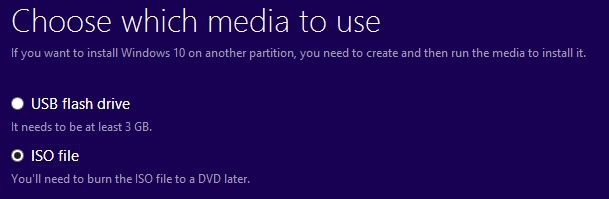
Langkah 3. Sekarang Anda perlu menginstal alat pada PC Anda dan kemudian memulai dan Anda akan memiliki dua pilihan untuk membuat USB flash drive bootable untuk menginstal windows atau menggunakan file ISO. Pilih file ISO pilihan di sana.


Langkah 5. Sekarang proses download akan mulai dan akan memakan waktu sesuai dengan kecepatan internet Anda.

Langkah 6. Setelah download selesai Anda akan mendapatkan file ISO dari Windows 10 dan sekarang Anda perlu untuk membakar file ISO pada disk DVD dan untuk itu pertama download dan menginstal Alat Download USB / DVD Windows . Alat ini tersedia untuk bebas biaya oleh Microsoft Corporation.

Langkah 7. software ini bekerja baik-baik saja dengan Windows 7,8 atau 8,1 dan Windows 10. Sekarang Anda harus menginstal perangkat lunak ini. Setelah menginstal sekarang, Anda harus menjalankannya.

Langkah 8. Sekarang di jendela yang terbuka seperti yang ditunjukkan di bawah ini klik pada browse. Kemudian cari lokasi Windows file ISO dan pilih kemudian klik pada tombol berikutnya.

Langkah 9. Sekarang di jendela berikutnya, Anda harus mengklik pada DVD untuk membuat bootable untuk menginstal windows 10 di PC manapun. Atau Anda dapat memilih opsi USB untuk membuat flashdisk bootable.
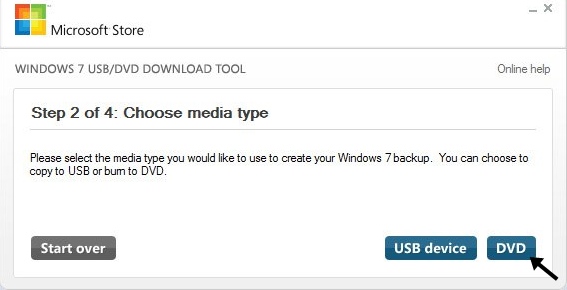
Langkah 10. Sekarang proses pembakaran akan dimulai dan setelah beberapa menit Anda selesai dengan disk instalasi Windows 10 yang dapat Anda gunakan untuk menginstal Windows 10 pada setiap PC yang anda inginkan.

Cara Alternatif:

Ternyata upgrade gartis windows 10 Microsoft sudah berakhir . Namun, jika Anda masih ingin menikmati Windows 10 tanpa mengeluarkan uang anda bisa coba metode ini:

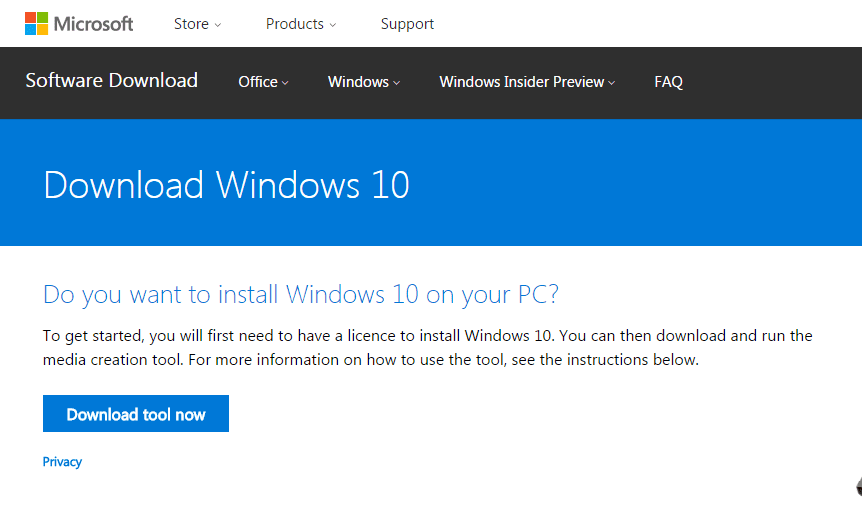
Langkah 1. Pertama-tama, kunjungi ini hubungan dan kemudian klik pada tombol Tool Download Now.Windows 10 Download Full Version 32 atau 64 Bit 2017

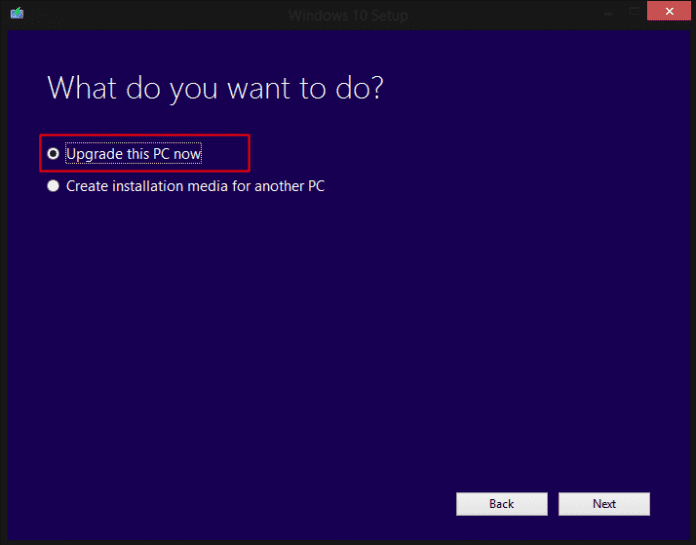
Langkah 2. Setelah di-download, buka alat ini dan kemudian pilih opsi “upgrade pc now”Windows 10 Download Full Version 32 atau 64 Bit 2017

Langkah 3. Sekarang, jika Anda ingin menginstal Windows 10 pada komputer lain pilih pilihan yang kedua “Buat Instalasi Media untuk PC lain”Windows 10 Download Full Version 32 atau 64 Bit 2017

Langkah 4. Setelah di-download, Anda akan mendapatkan file ISO Anda dapat me-mount file  ISO dan dapat menjalankan setup. Melalui instalasi ini, Anda tidak akan diminta key produk.

Sekarang, Anda telah berhasil upgrade Windows 10 dan  Download Full Version dan memeriksa Windows 10 persyaratan sistem sebelum menginstal jendela 10..enjoy

Friday, October 27, 2017

Cara Menjalankan Benchmark di Windows 10 PC dan laptop


Cara Menjalankan Benchmark di Windows 10 PC dan laptop

Ada sejumlah aplikasi yang dibuat untuk melakukan benchmark pada Windows 10 dan kami telah merangkum nya  di bawah ini.
Cara Menjalankan Benchmark di Windows 10 PC dan laptop

# 1 UserBenchmark

Cara Menjalankan Benchmark di Windows 10 PC dan laptop

UserBenchmark dapat digunakan untuk memperoleh info kinerja dari berbagai aspek perangkat pc anda.

# 2 GeekBench

Cara Menjalankan Benchmark di Windows 10 PC dan laptop
Periksa kinerja prosesor perangkat dan inti dengan membandingkannya dengan daya tahan dan kemampuan smartphone. aplikasi ini bisa digunakanUntuk membandingkan kinerja perangkat high-end lain sehingga Anda bisa tahu tentang potensi yang sebenarnya dari perangkat Anda .

# 3 Unigine Heaven

Cara Menjalankan Benchmark di Windows 10 PC dan laptop
Ini adalah grafis software kinerja benchmarking untuk Windows yang dibuat kembali dengan sangat efisien untuk memberikan nilai realistis terbaik.

4 # The 3DMark

Cara Menjalankan Benchmark di Windows 10 PC dan laptop
Jika Anda ingin melihat benchmark kinerja grafis pada Windows 10 PC maka kita lebih suka untuk menggunakan aplikasi 3DMark. Ini adalah aplikasi terbaik yang menyediakan tolok ukur nyata bagi kinerja grafis dan kualitas. Dengan menggunakan aplikasi ini pada Windows 10 setiap pengguna bisa memeriksa tingkat kinerja grafis pada perangkat mereka dan  membuat perbandingan dengan komputer terkemuka di pasaran.
Nah itu dia 4 aplikasi Benchmark di Windows 10 PC dan laptop yang bisa anda gunakan..

Cara Menawarkan dan Meminta Bantuan Darurat dengan Facebook

Cara Menawarkan  dan Meminta Bantuan Darurat dengan Facebook
Cara Menawarkan  dan Meminta Bantuan Darurat dengan Facebook


Cara Menawarkan  dan Meminta Bantuan Darurat dengan Facebook

Keadaan darurat bisa muncul kapan saja dan dan dimana saja  tak seorang pun mau menemui kejadian ini. Setiap kali Anda berada di tempat di mana ada situasi darurat  pasti kerabat dan anggota keluarga akan bersedia untuk mengetahui tentang keselamatan Anda. Facebook memiliki opsi yang dibangun tentang keadaan darurat ini ,di mana Anda bisa menyatakan keselamatan Anda selama kecelakaan terjadi.Maka dari itu  Kami akan membahas  metode cara mendapatkan dukungan dari Facebook untuk menyampaikan tentang situasi Anda dalam keadaan darurat. 

Mari kita lihat panduan untuk bagaimana Tawarkan dan Meminta Darurat dengan Facebook yang akan membantu Anda mendapatkan bantuan dari jaringan sosial raksasa ini.

Langkah-langkah untuk Penawaran dan Meminta Darurat dengan Facebook:

# 1 Pertama-tama login ke akun Facebook Anda dan kemudian bua  LINK ini . Setelah mencapai ke bagian pemeriksaan keamanan di dalam Facebook, Anda perlu mencari acara di daerah Anda di mana Anda perlu bertanya atau menawarkan bantuan.

# 2 Setelah mengikuti langkah pertama akan menjadi peta titik-titik merah dan hijau di mana titik-titik merah menunjukkan orang yang membutuhkan bantuan sementara titik-titik hijau adalah mereka yang menawarkan bantuan. Sekarang jika Anda membutuhkan untuk menemukan bantuan cukup klik pada drop down penamaan Cari Bantuan. drop-down pilihan akan menampilkan kategori seperti tempat tinggal, makanan atau air dll Terapkan filter dan kemudian cobalah mencari peta lagi , Anda akan mendapatkan titik yang relevan pada peta yang menawarkan bantuan atau membutuhkan bantuan.
Cara Menawarkan dan Meminta Bantuan Darurat dengan Facebook

# 3 Klik pada titik hijau terdekat untuk memeriksa apa yang orang tawarkan kepada Anda saat Anda berada dalam kondisi darurat. panel akan terbuka pada layar yang menunjukkan semua rincian bantuan . Anda bisa mengirim pesan langsung dari sana atau lihat chat untuk tujuan tersebut. Nah begitulah caranya untuk mengetahui cara melihat bantuan yang tersedia..lalu bagaimana jika kita ingin menawarkan bantuan kepada orang lain? oke ikuti langkah ke 4 di bawah ini.
Cara Menawarkan dan Meminta Bantuan Darurat dengan Facebook

# 4 Sekarang untuk berbagi bantuan kepada mereka yang membutuhkan, cukup klik pada tombol Live Help di atas peta dan maka akan muncul semua kategori  bantuan yang dibutuhkan seperti tempat tinggal, makanan, air dll . Buat posting  dan tempatkan titik hijau Anda di lokasi.
Cara Menawarkan dan Meminta Bantuan Darurat dengan Facebook

# 5 Siapa pun yang membutuhkan dukungan, orang-orang bisa menghubungi Anda melalui pesan sehingga mencoba untuk menjadi online untuk waktu sebanyak mungkin. Satu hal yang juga bisa dilakukan adalah transaksi uang kepada mereka yang membutuhkan. Untuk yang sama, ada pilihan khusus mengatur dalam halaman Facebook sehingga membuat jika Anda ingin melakukannya.

Metode ini sangat mudah untuk diterapkan sehingga bisa lebih mudah untuk untuk memahami manfaat dari metode ini.

Thursday, October 26, 2017

3 Game Google's Secret Owned Mandatory You Try

3 Game Google's Secret Owned Mandatory You Try
Google is known as the world's largest search engine. However, the service is now not just a search engine.
Google is also the owner of the operating system smartphones are used by many people in the world. In addition, various services presented by Google, including games -gim hidden that is not known to everyone. Do not believe?

1. T-Rex Jump


3 Game Google's Secret Owned Mandatory You Try
T-Rex Run belongs to the Google Chrome can be played if the Internet connection is interrupted.
For users of the Google Chrome browser has experienced internet connection suddenly cut off. Well, this time you can play a secret games with the character of the T-Rex. Gim comes with a black and white monochrome display alias.
If you click the button the space bar on the keyboard , the T-Rex will start running and the player assigned to pass through obstacles while pressing the space bar .
Now, with this secret games, users can wait while you play internet reconnected. By doing so, users will not be bored made.

2. Pac-Man


Gym Pac-Man is a classic game that was first introduced in 1980. Pac-Man introduced by Namco and published by Midway.
This simple game so famous because it makes players addicted and continue to be curious to always move.
If you missed this game, Google bring it in secret. Simply type in the search word "Pac-Man" on Google. Then, there will be a doodle Pac-Man.
If you click it, doodle this will turn into a pop-up game of Pac-Man you can play with the help of the directional keys on the keyboard . By pressing the directional buttons, Pac-Man was going to move in the direction that you press.
For your information, Google brings these games in 2010 as a form of the 30th anniversary of the classic games.

3. Zerg Rush


If the game this one is definitely not widely known by Internet users. How to access it is to type Zerg Rush in Google search engine.
Then, you will be amazed by the amount of the letter "O" yellow and red Google that ruffled your Google search results.
The letter "O" falling from above was unstoppable, but you could be fired at the letter "O" tumbling to set the highest score.
Well, if you're bored with what you do on a computer, gaming Zerg Rush can help you to refresh.

There are 20 million units only iPhone X Year?

There are 20 million units only iPhone X Year?


A report on the limited stock of iPhone X has emerged since some time ago. Now, in a recent report, Apple is mentioned only prepared 20 million units of the iPhone X for the year, less than the predictions of the research firm KGI Securities.

Citing a report from Nikkei Asian Review , Friday (10/27/2017), initial shipments of the iPhone X predicted only about 20 million units, half of the amount planned for this year. Apple will hold a pre-order iPhone X on 27 October, while sales at stores online and offline on 3 November 2017.

The reduction is due to Apple's unit has not successfully completed a variety of technical issues with the components needed for face recognition feature, Face ID, the iPhone X . The complexity of the production process iPhone X has occurred since a few months ago.

iPhone X is a smartphone Apple's first use of the OLED display and does not have the "Home" physical. In the period of mass production, reported no production defects in gluing processor for OLED panels. Until the end, most of these problems can be solved around July 2017.

After that, new problems arise regarding facial authentication module assembly. Apple manufacturing partners are only able to increase first pass yield (FPY) towards the end of September 2017.
To increase the rate of production, Apple is believed to have started negotiations with a number of manufacturing the additional production of certain components. These negotiations are expected to increase the production rate iPhone X quickly.

Wednesday, October 18, 2017

Download Gratis Balabolka 2.11.0.638 Terbaru

Download Gratis Balabolka 2.11.0.638 Terbaru


Download Gratis Balabolka 2.11.0.638 Terbaru

Balabolka adalah (TTS) Program Text-To-Speech.
Teks pada layar dapat disimpan dengan format WAV, MP3, MP4, OGG atau WMA. Aplikasi Balabolka 2.11.0.638 dapat  membaca isi clipboard, melihat teks dari AZW, CHM, DjVu, DOC, EPUB, FB2, HTML, LIT, MOBI, ODT, RRC, PDF dan RTF file, serta menyesuaikan font dan warna latar belakang.

Program ini menggunakan berbagai versi API Microsoft Speech (SAPI); memungkinkan untuk mengubah parameter suara, termasuk tingkat dan pitch. Pengguna dapat menerapkan daftar substitusi khusus untuk meningkatkan kualitas artikulasi suara ini. Fitur ini berguna ketika Anda ingin mengubah ejaan kata-kata. Aturan untuk koreksi pengucapan menggunakan sintaks ekspresi reguler.

Balabolka dapat menyimpan teks yang disinkronkan dalam file LRC eksternal atau di tag MP3 dalam file audio. Ketika file audio dimainkan di komputer atau pemutar audio yang modern, teks ditampilkan serentak (pada cara yang sama, seperti lirik untuk lagu).

Download disini

Sunday, October 15, 2017

Top 15 Apliaksi Scanner Terbaik Untuk Memindai Dokumen Dengan Android

Top 15 Apliaksi Scanner Terbaik Untuk Memindai Dokumen Dengan Android

Top 15 Apliaksi Scanner Terbaik Untuk Memindai Dokumen Dengan Android

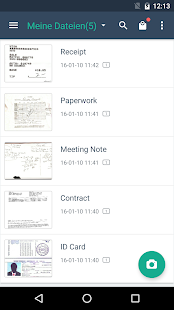
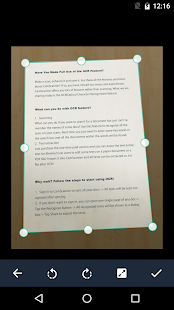
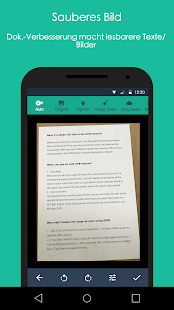
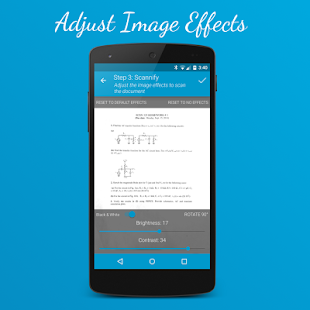
Scan semua dokumen penting dengan android Anda dengan aplikasi scanner terbaik untuk android . Ada banyak aplikasi yang tersedia di play store  dan kami telah mengambil Top 15 Apliaksi Scanner Terbaik Untuk Memindai Dokumen Dengan Android.


Jika Anda perlu untuk memindai dokumen penting di setiap saat maka Anda harus memiliki scanner di saku Anda. Namun, jika Anda memiliki smartphone android daripada membawa scanner tidak akan menjadi masalah karena ada beberapa aplikasi android yang tersedia di  playstore yang bertindak sebagai scanner portabel. Oleh karena itu, jika Anda ingin memindai dokumen untuk membuat PDF dari situ, maka Anda bisa dengan mudah melakukannya dengan menggunakan perangkat android Anda dan itu juga dalam hitungan detik.

Top 15 Apliaksi Scanner Terbaik Untuk Memindai Dokumen Dengan Android

Ada banyak aplikasi yang tersedia di playstore tapi kami telah memilih yang terbaik saja. Ini sangat berguna dan mudah digunakan dan bekerja dengan semua jenis format dokumen. Jadi mari kita lihat list  aplikasi nya di bawah ini.

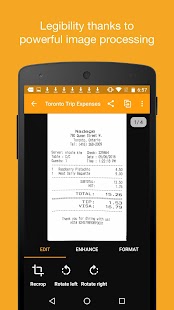
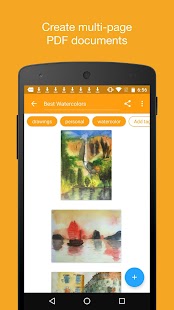
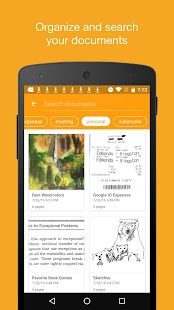
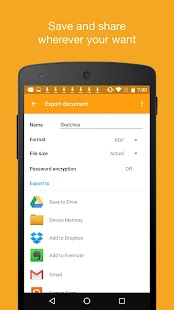
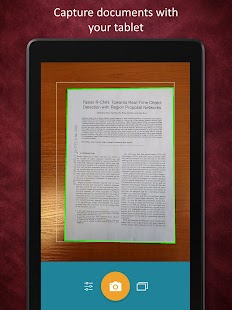
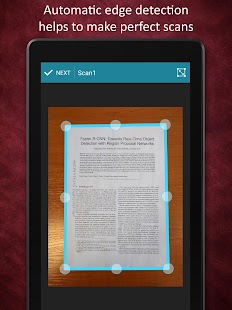
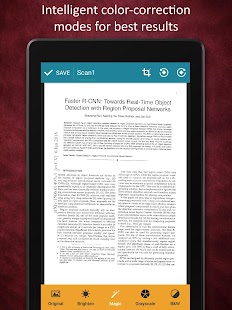
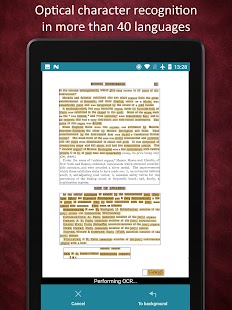
# 1 CamScanner

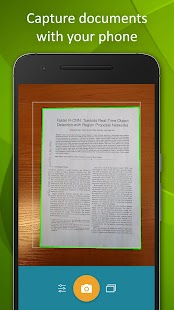
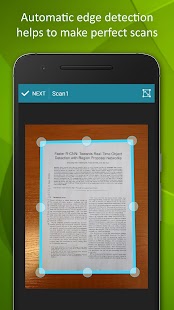
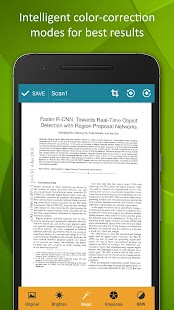
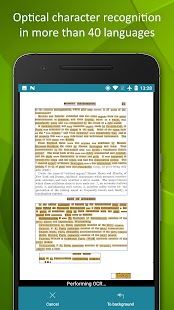
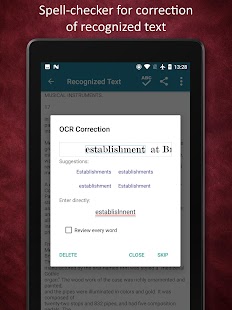
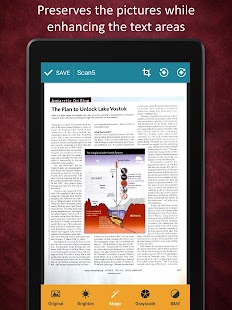
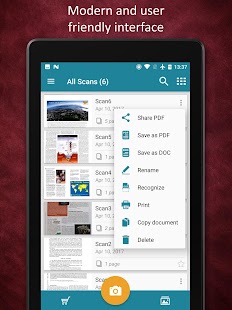
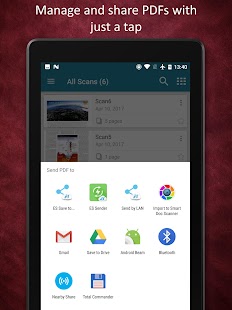
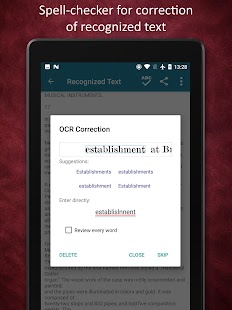
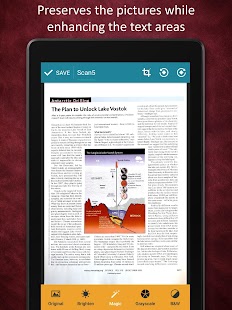
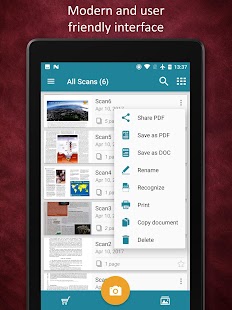
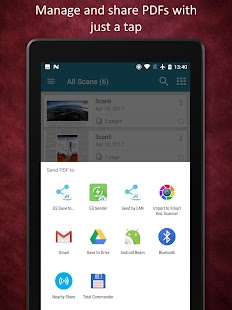
Salah satu yang terbaik aplikasi scanner yang pernah saya gunakan. Aplikasi ini hanya keren seperti namanya. Dalam aplikasi ini, Anda dapat dengan mudah memindai dokumen dan kemudian langsung mengubahnya menjadi salinan scan. Juga, dokumen yang dipindai dapat dengan mudah dikonversi ke format lain yang ingin Anda miliki di android Anda. Ini adalah aplikasi freeware dan saya yakin Anda akan menyukai menggunakan aplikasi ini di perangkat android Anda.

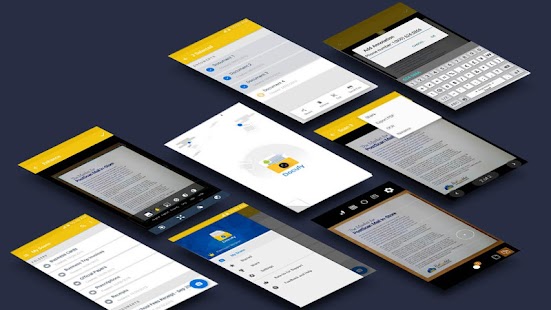
# 2 Docufy Scanner

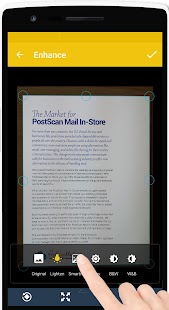
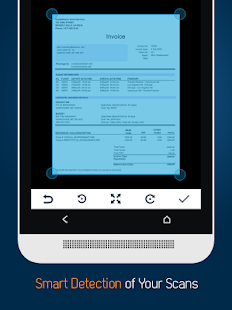
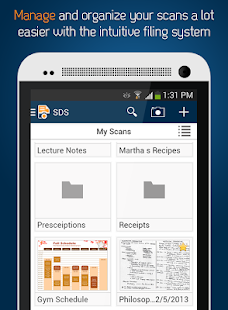
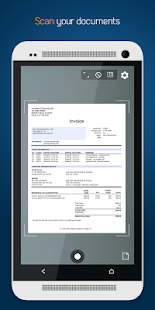
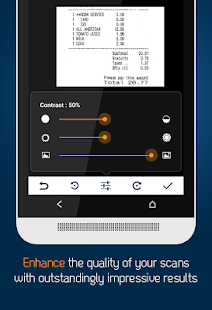
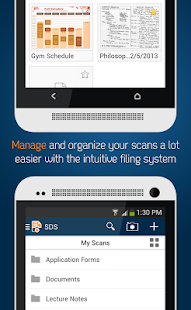
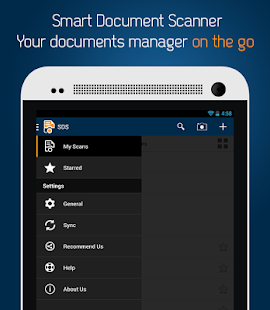
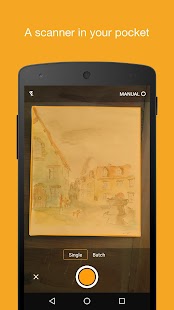
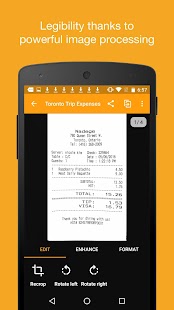
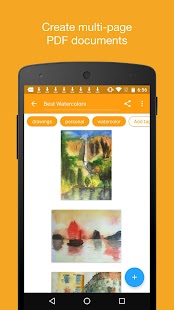
Smart Document Scanner adalah sebuah aplikasi scanner android utama untuk memindai, meningkatkan, fax, mengkonversi file ke dalam file PDF, mengkonversi jpeg ke file pdf, menambahkan penjelasan, sync dan file Anda resep, faktur, kontrak, laporan bank, papan tulis dan banyak lagi dan keuntungan aksesibilitas kepada mereka dari mana saja dan kapan saja di perangkat android Anda.

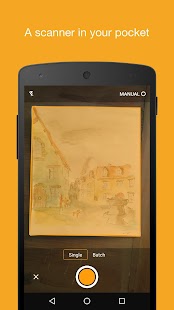
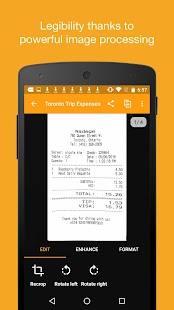
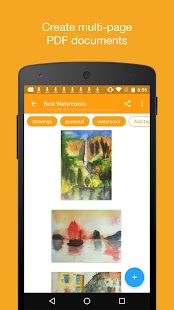
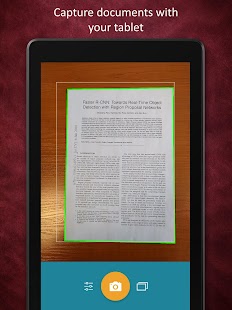
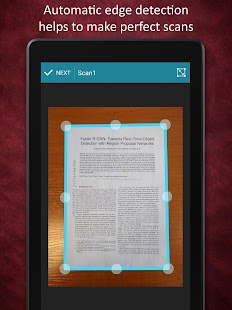
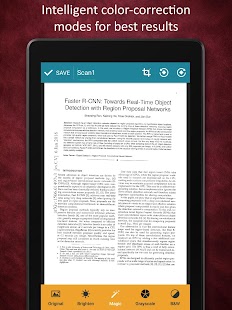
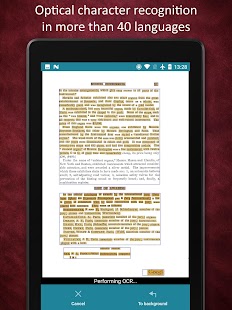
# 3 Genius Scan - PDF Scanner

Genius Scan - PDF Scanner
Pengembang: The Grizzly Labs
Harga: Gratis +
  • Genius Scan - PDF Scanner Screenshot
  • Genius Scan - PDF Scanner Screenshot
  • Genius Scan - PDF Scanner Screenshot
  • Genius Scan - PDF Scanner Screenshot
  • Genius Scan - PDF Scanner Screenshot
  • Genius Scan - PDF Scanner Screenshot
  • Genius Scan - PDF Scanner Screenshot
  • Genius Scan - PDF Scanner Screenshot
  • Genius Scan - PDF Scanner Screenshot
  • Genius Scan - PDF Scanner Screenshot
  • Genius Scan - PDF Scanner Screenshot
  • Genius Scan - PDF Scanner Screenshot
  • Genius Scan - PDF Scanner Screenshot
  • Genius Scan - PDF Scanner Screenshot
  • Genius Scan - PDF Scanner Screenshot
  • Genius Scan - PDF Scanner Screenshot
  • Genius Scan - PDF Scanner Screenshot
  • Genius Scan - PDF Scanner Screenshot
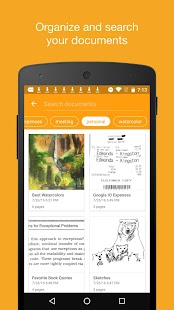
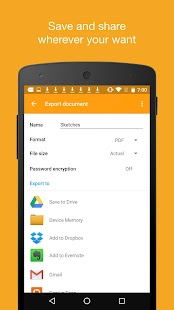
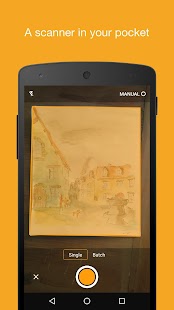
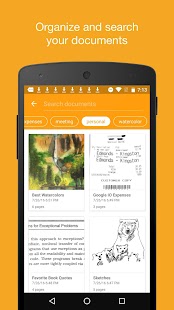
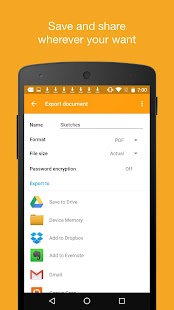
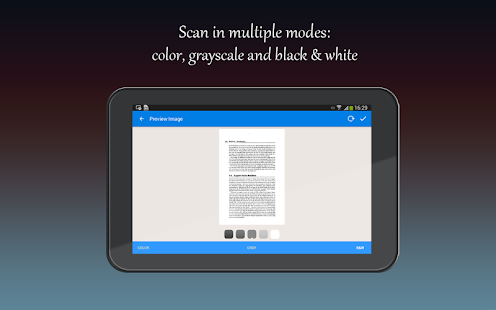
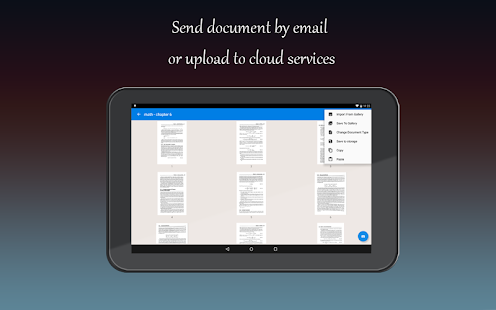
Ini juga yang terbaik aplikasi scanner untuk semua pengguna android. Hal ini memungkinkan Anda untuk dengan cepat memindai dokumen di perjalanan dan email scan sebagai JPEG atau PDF dengan beberapa halaman. Selain itu, Anda dapat membuka Genius fitur + Pindai yang memungkinkan Anda untuk mengekspor scan Anda di manapun Anda inginkan.

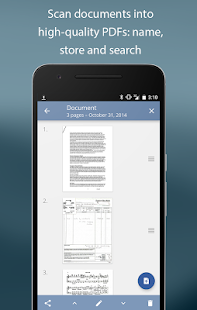
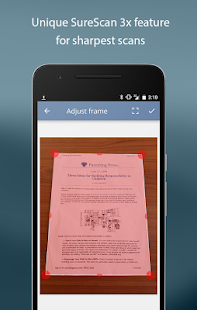
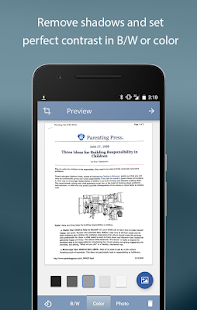
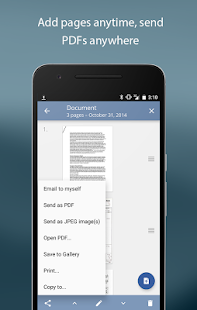
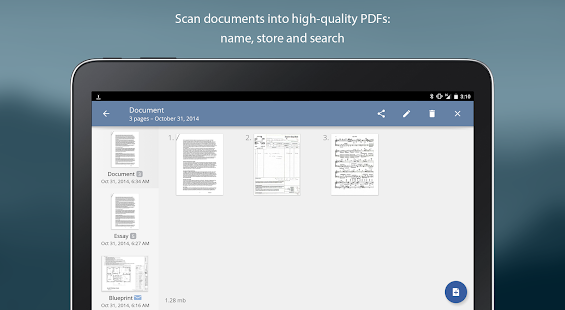
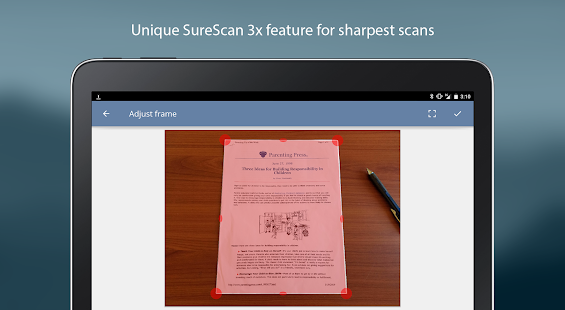
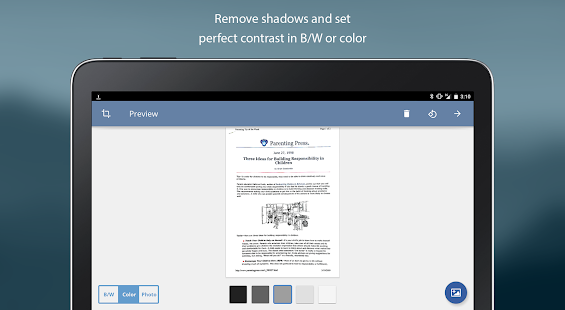
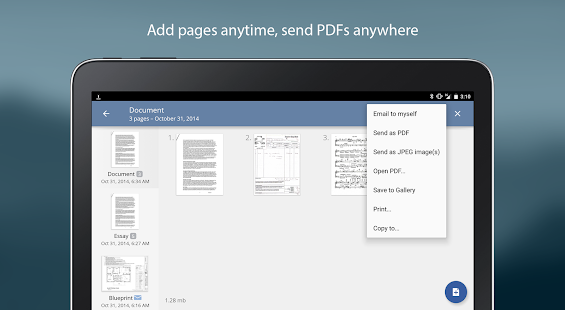
# 4 TurboScan Gratis: PDF scanner

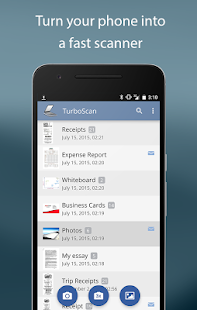
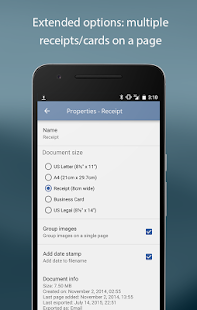
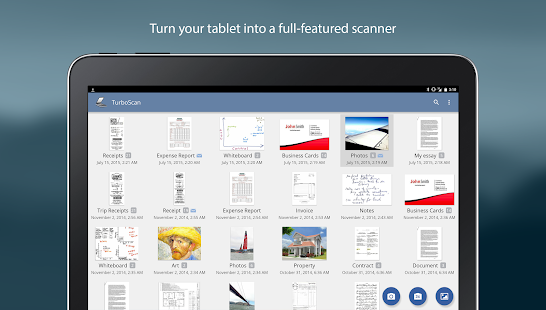
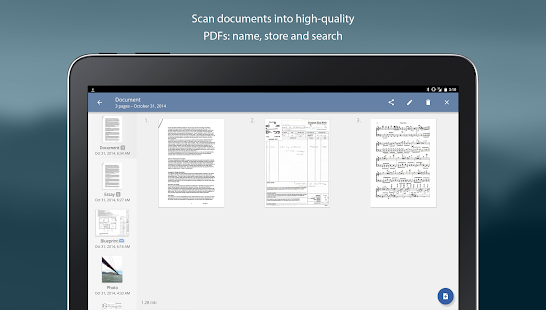
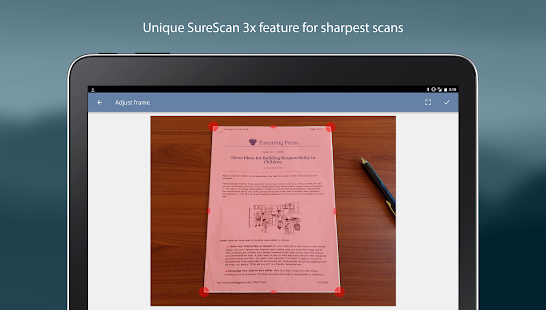
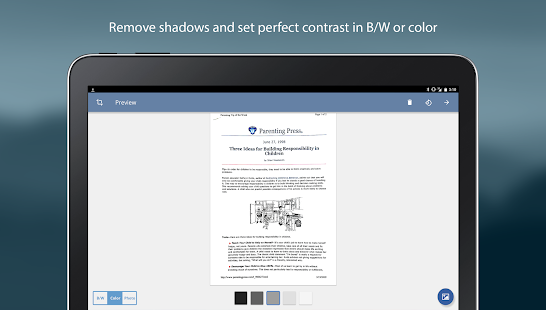
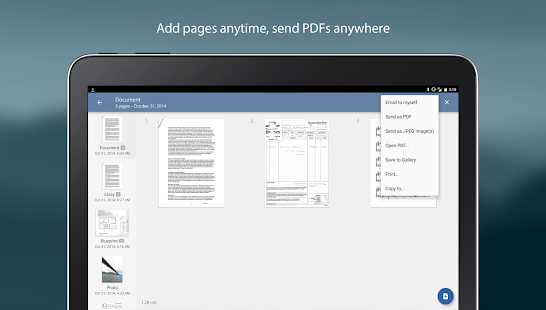
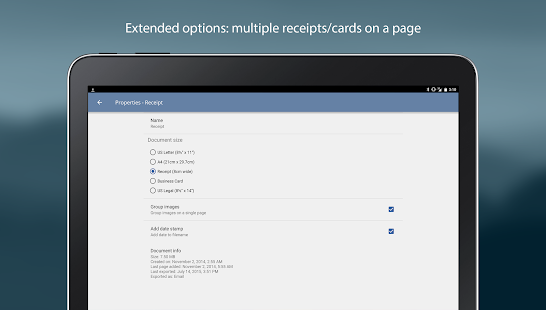
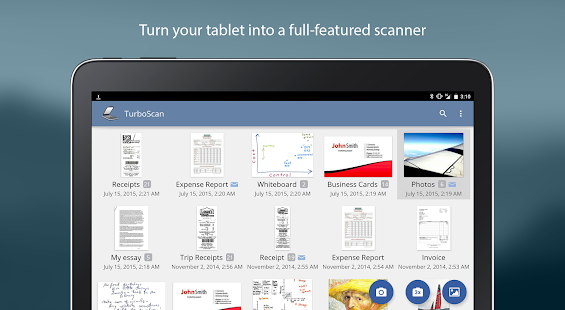
Ini adalah aplikasi freeware yang memungkinkan Anda memindai semua dokumen dengan mudah yang dalam format pdf. TurboScan mengubah ponsel Anda menjadi scanner multipage untuk dokumen, penerimaan, catatan, papan tulis, dan teks lainnya. Dengan TurboScan, Anda dapat dengan cepat memindai dokumen dan menyimpan atau email mereka sebagai PDF multipage atau file JPEG.

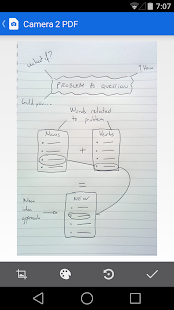
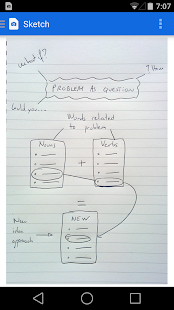
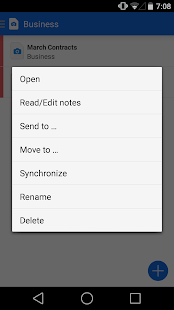
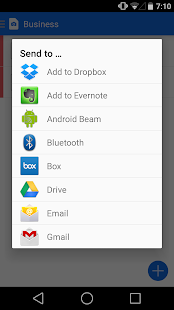
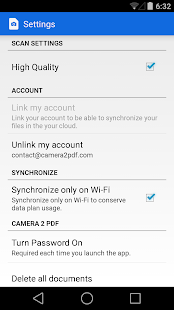
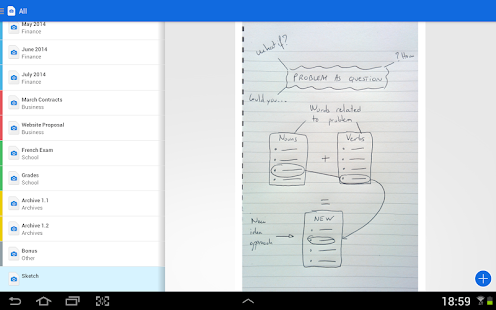
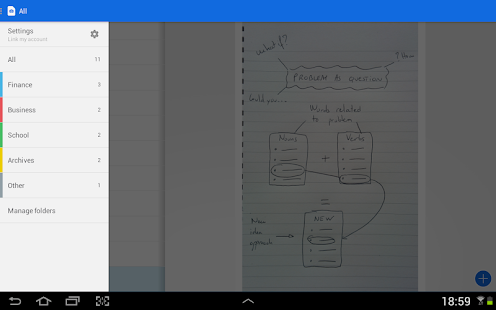
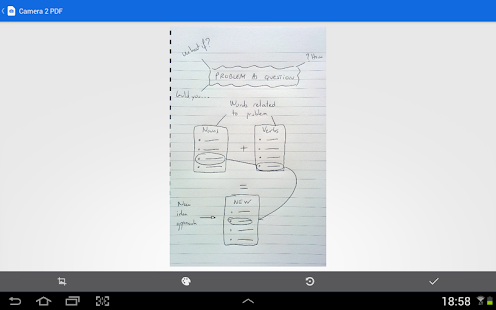
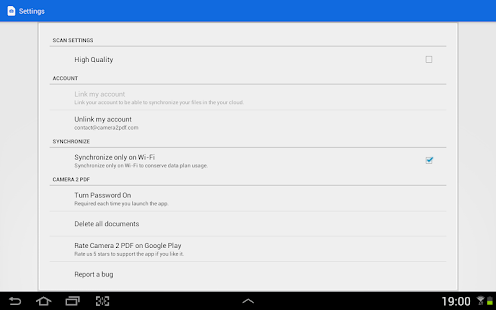
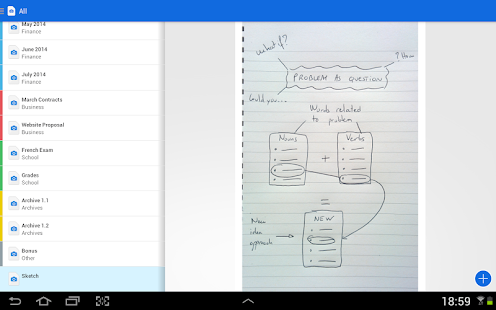
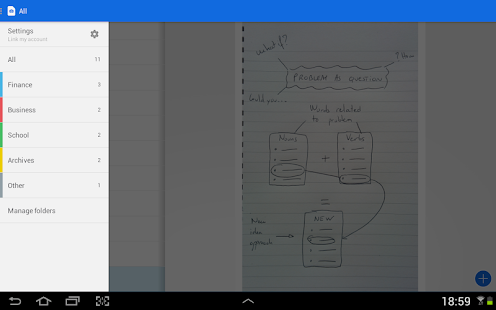
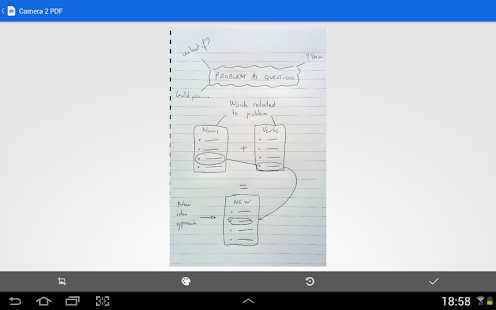
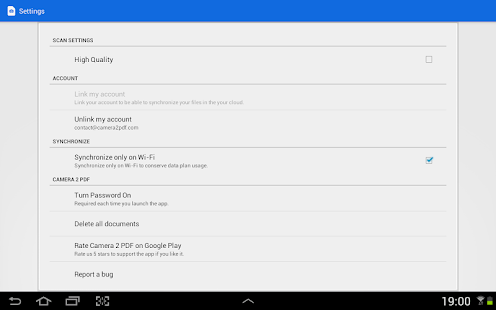
# 5 Kamera 2 PDF Scanner Creator

Kamera 2 PDF Scanner Archiver
  • Kamera 2 PDF Scanner Archiver Screenshot
  • Kamera 2 PDF Scanner Archiver Screenshot
  • Kamera 2 PDF Scanner Archiver Screenshot
  • Kamera 2 PDF Scanner Archiver Screenshot
  • Kamera 2 PDF Scanner Archiver Screenshot
  • Kamera 2 PDF Scanner Archiver Screenshot
  • Kamera 2 PDF Scanner Archiver Screenshot
  • Kamera 2 PDF Scanner Archiver Screenshot
  • Kamera 2 PDF Scanner Archiver Screenshot
  • Kamera 2 PDF Scanner Archiver Screenshot
  • Kamera 2 PDF Scanner Archiver Screenshot
  • Kamera 2 PDF Scanner Archiver Screenshot
  • Kamera 2 PDF Scanner Archiver Screenshot
  • Kamera 2 PDF Scanner Archiver Screenshot
  • Kamera 2 PDF Scanner Archiver Screenshot
  • Kamera 2 PDF Scanner Archiver Screenshot
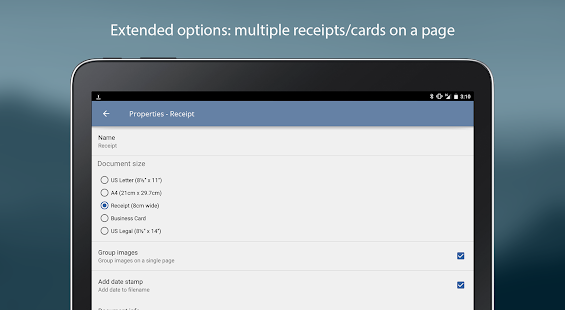
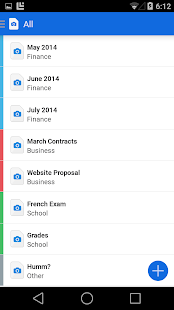
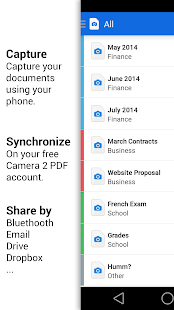
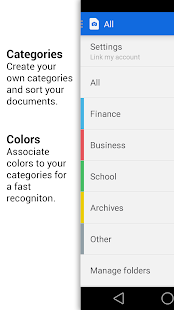
Ini adalah scanner keren yang akan mengkonversi kamera android Anda menjadi scanner dan akan memindai semua dokumen penting Anda dengan sangat mudah. Ini adalah yang terbaik PDF Creator Anda akan menemukan di Google Play dengan cloud storage unlimited gratis.

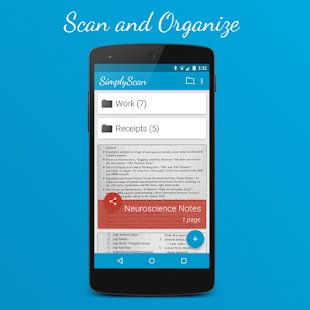
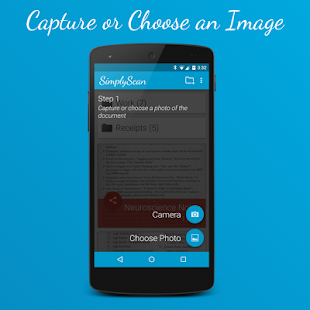
# 6 SimplyScan: PDF Camera Scanner

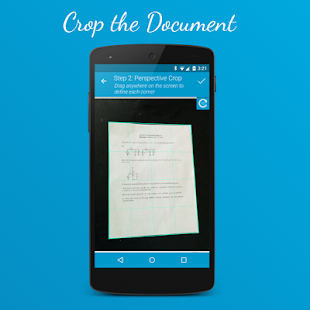
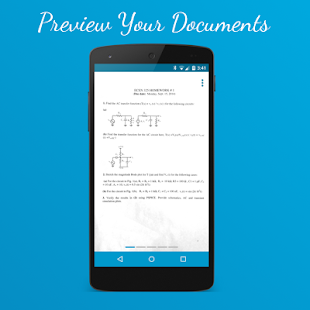
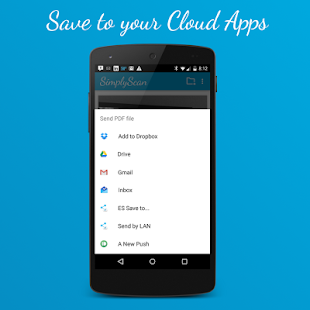
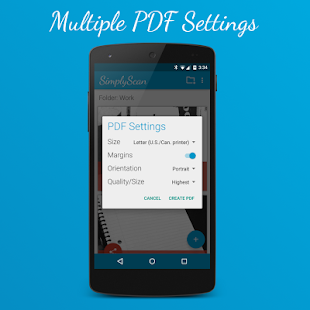
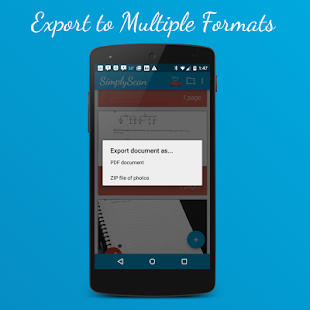
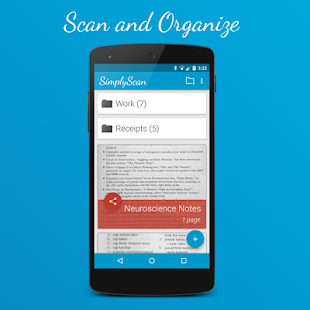
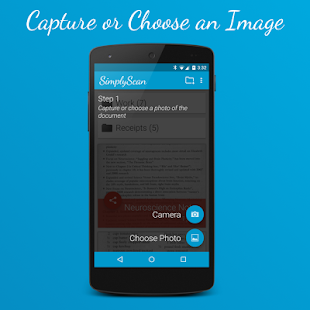
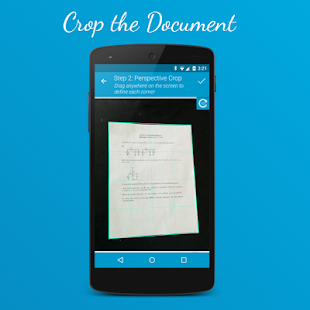
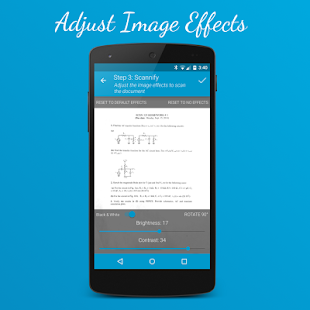
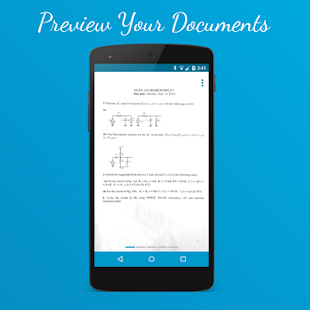
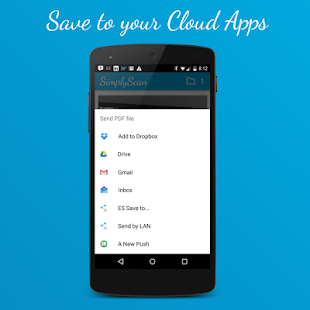
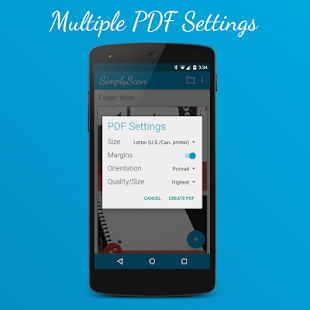
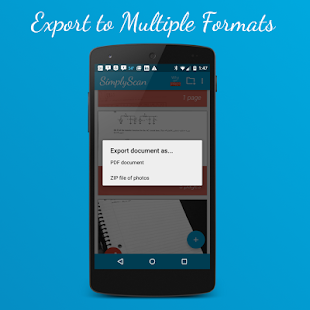
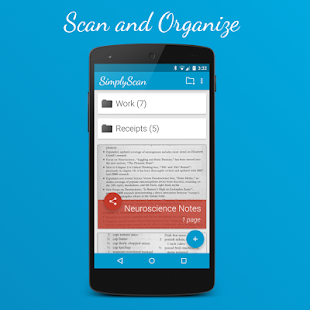
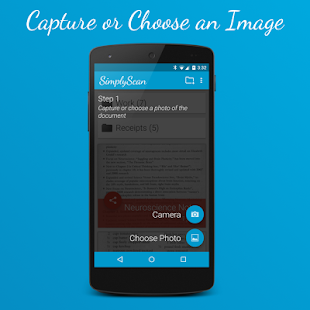
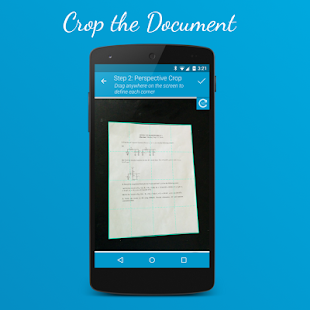
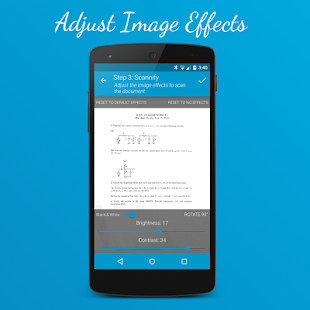
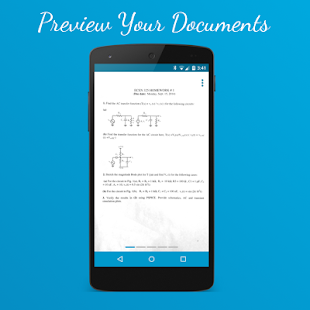
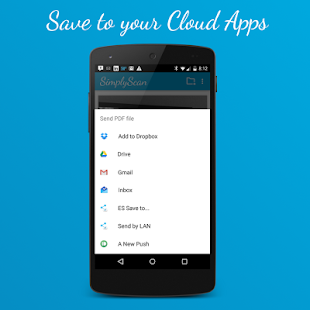
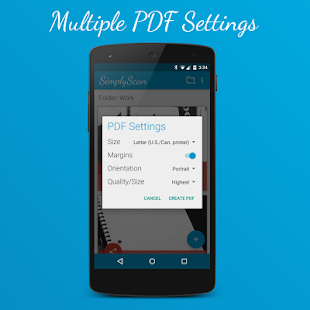
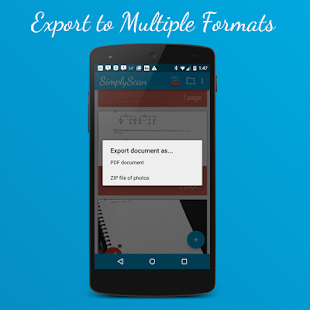
Ini adalah terbaru, ringan dokumen PDF seluler pemindaian aplikasi untuk Android. Dirancang dengan kesederhanaan dalam pikiran, SimplyScan scan dokumen Anda dan mengatur mereka dalam cara yang termudah. Drag untuk menentukan sudut-sudut dokumen. Pengguna akan mendapatkan pilihan untuk memilih untuk mengekspor sebagai dokumen PDF, foto atau file ZIP dari foto untuk dokumen multi-halaman.

# 7 Kantor Lens

kantor Lens
Harga: Gratis
  • Kantor Lens Screenshot
  • Kantor Lens Screenshot
  • Kantor Lens Screenshot
  • Kantor Lens Screenshot
  • Kantor Lens Screenshot
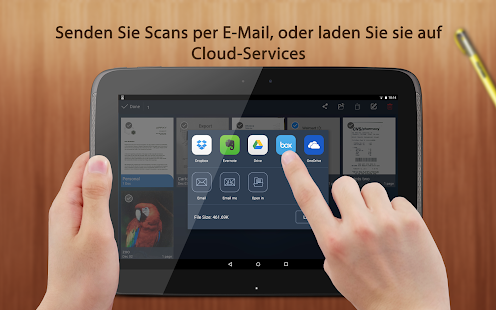
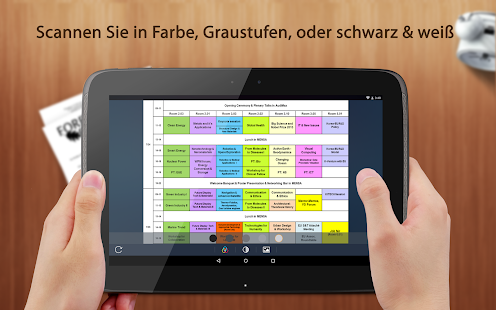
Kantor Lens trims, meningkatkan, dan membuat gambar dari papan tulis dan docs dibaca. Anda dapat menggunakan Office Lens untuk mengkonversi gambar ke PDF, Word dan PowerPoint dan Anda bahkan dapat menyimpan gambar ke OneNote atau onedrive.

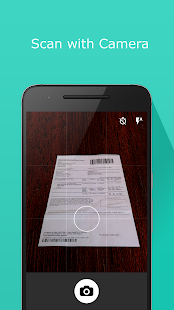
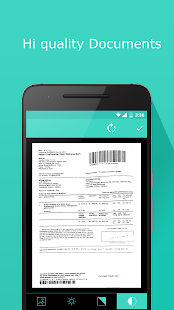
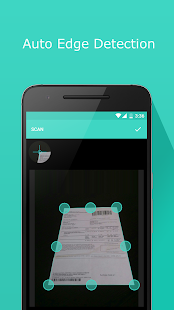
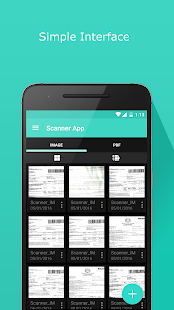
# 8 kecil Scanner - PDF Scanner App

Scanner kecil: Dok Pindai ke PDF
Pengembang: Appxy
Harga: Gratis +
  • Scanner kecil: Dok Pindai ke PDF Screenshot
  • Scanner kecil: Dok Pindai ke PDF Screenshot
  • Scanner kecil: Dok Pindai ke PDF Screenshot
  • Scanner kecil: Dok Pindai ke PDF Screenshot
  • Scanner kecil: Dok Pindai ke PDF Screenshot
  • Scanner kecil: Dok Pindai ke PDF Screenshot
  • Scanner kecil: Dok Pindai ke PDF Screenshot
  • Scanner kecil: Dok Pindai ke PDF Screenshot
  • Scanner kecil: Dok Pindai ke PDF Screenshot
  • Scanner kecil: Dok Pindai ke PDF Screenshot
  • Scanner kecil: Dok Pindai ke PDF Screenshot
  • Scanner kecil: Dok Pindai ke PDF Screenshot
  • Scanner kecil: Dok Pindai ke PDF Screenshot
  • Scanner kecil: Dok Pindai ke PDF Screenshot
  • Scanner kecil: Dok Pindai ke PDF Screenshot
  • Scanner kecil: Dok Pindai ke PDF Screenshot
  • Scanner kecil: Dok Pindai ke PDF Screenshot
  • Scanner kecil: Dok Pindai ke PDF Screenshot
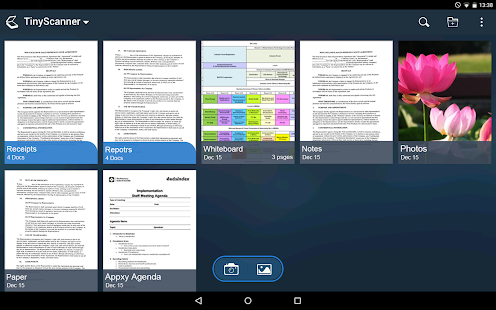
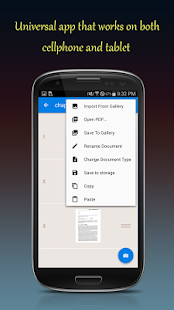
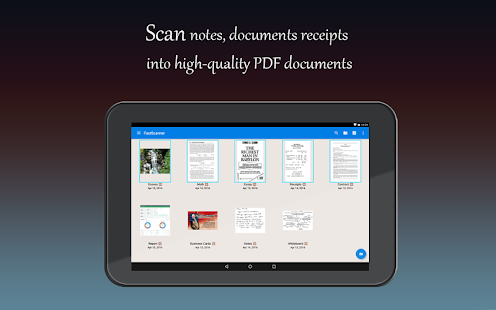
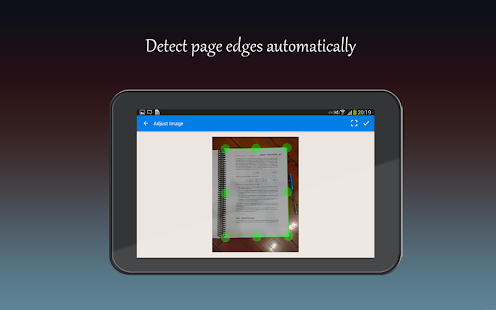
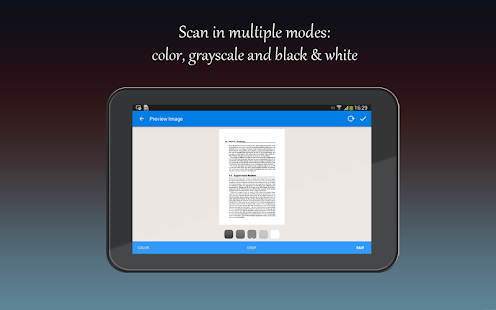
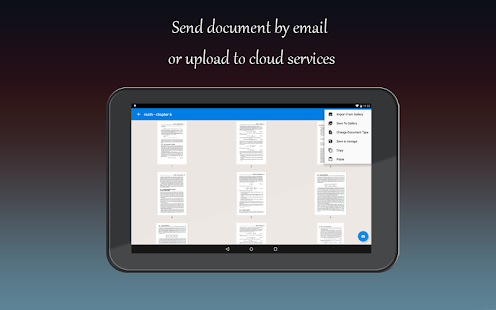
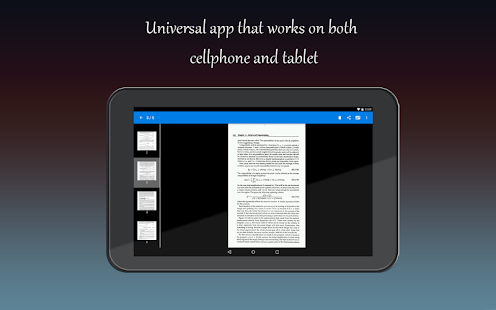
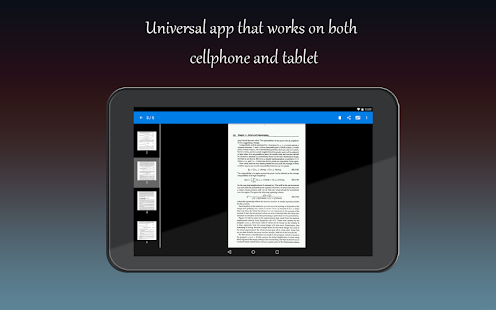
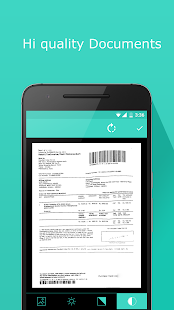
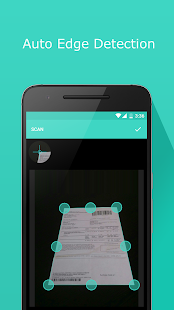
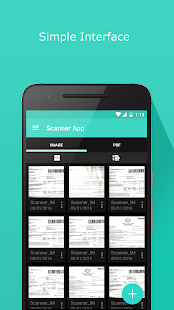
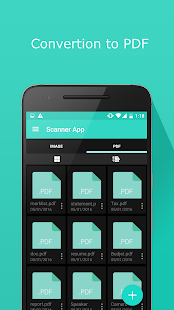
Scanner kecil adalah aplikasi scanner kecil yang ternyata perangkat android menjadi scanner dokumen portabel dan scan segala sesuatu sebagai gambar atau PDF. Dengan pdf scanner dokumen aplikasi ini, Anda dapat memindai dokumen, foto, penerimaan, laporan atau apa saja. scanner aplikasi pdf dokumen ini adalah kilat cepat dan cantik dirancang untuk kedua ponsel dan tablet.

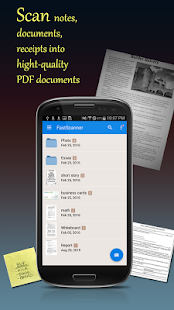
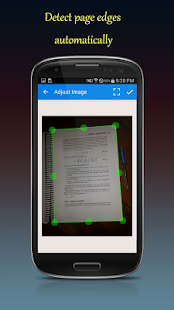
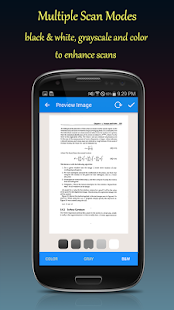
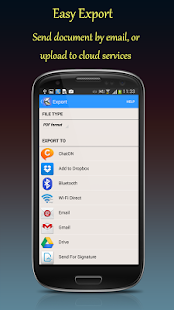
# 9 Scanner Cepat: Free PDF Pindai

Scanner Cepat: Free PDF Pindai
  • Scanner Cepat: Free PDF Pindai Screenshot
  • Scanner Cepat: Free PDF Pindai Screenshot
  • Scanner Cepat: Free PDF Pindai Screenshot
  • Scanner Cepat: Free PDF Pindai Screenshot
  • Scanner Cepat: Free PDF Pindai Screenshot
  • Scanner Cepat: Free PDF Pindai Screenshot
  • Scanner Cepat: Free PDF Pindai Screenshot
  • Scanner Cepat: Free PDF Pindai Screenshot
  • Scanner Cepat: Free PDF Pindai Screenshot
  • Scanner Cepat: Free PDF Pindai Screenshot
  • Scanner Cepat: Free PDF Pindai Screenshot
  • Scanner Cepat: Free PDF Pindai Screenshot
  • Scanner Cepat: Free PDF Pindai Screenshot
  • Scanner Cepat: Free PDF Pindai Screenshot
  • Scanner Cepat: Free PDF Pindai Screenshot
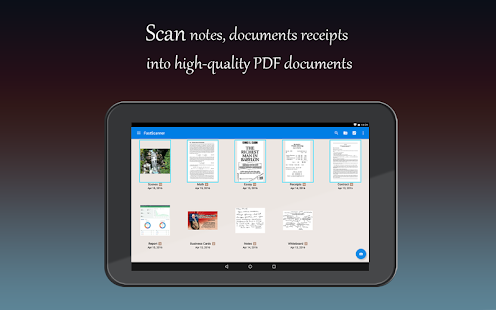
Cepat Scanner ternyata perangkat Android Anda menjadi beberapa halaman scanner untuk dokumen, penerimaan, catatan, faktur, kartu nama, papan tulis dan teks kertas lainnya. Dengan Scanner Cepat, Anda dapat dengan cepat memindai dokumen Anda, kemudian mencetaknya atau email mereka sebagai beberapa halaman PDF atau file JPEG. Selain itu, Anda dapat menyimpan file PDF ke perangkat Anda atau membukanya di aplikasi lain.

# 10 PDF Pocket Scanner

PDF Pocket Scanner (OCR)
Pengembang: DKApps.net
Harga: Gratis
  • PDF Pocket Scanner (OCR) Screenshot
  • PDF Pocket Scanner (OCR) Screenshot
  • PDF Pocket Scanner (OCR) Screenshot
  • PDF Pocket Scanner (OCR) Screenshot
  • PDF Pocket Scanner (OCR) Screenshot
  • PDF Pocket Scanner (OCR) Screenshot
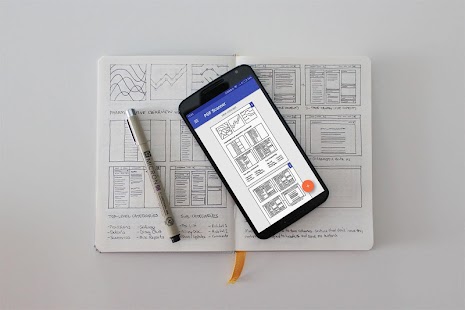
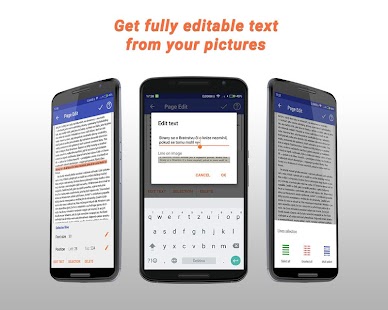
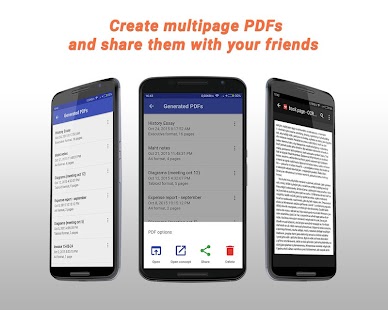
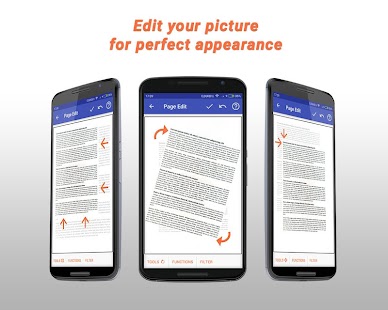
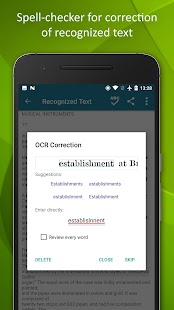
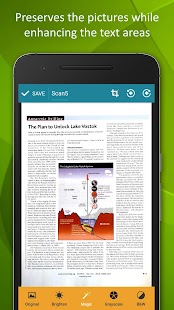
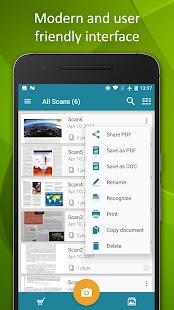
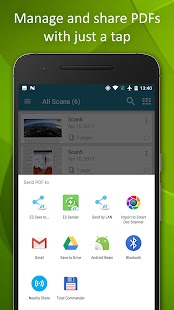
Aplikasi ini menciptakan multi-halaman file PDF dari gambar dalam perangkat atau dipindai oleh kamera Anda. Cara termudah untuk mendigitalkan faktur, tanda terima, catatan atau apa pun yang Anda butuhkan dalam PDF. Tidak ada pembatasan tersembunyi - Anda dapat membuat jumlah yang tidak terbatas file PDF dengan halaman sebanyak yang Anda suka.

# 11 Adobe Pindai

Adobe Scan: PDF-Scanner, OCR
Pengembang: Adobe
Harga: Gratis +
  • Adobe Scan: PDF-Scanner, OCR Screenshot
  • Adobe Scan: PDF-Scanner, OCR Screenshot
  • Adobe Scan: PDF-Scanner, OCR Screenshot
  • Adobe Scan: PDF-Scanner, OCR Screenshot
  • Adobe Scan: PDF-Scanner, OCR Screenshot
  • Adobe Scan: PDF-Scanner, OCR Screenshot
  • Adobe Scan: PDF-Scanner, OCR Screenshot
  • Adobe Scan: PDF-Scanner, OCR Screenshot
  • Adobe Scan: PDF-Scanner, OCR Screenshot
  • Adobe Scan: PDF-Scanner, OCR Screenshot
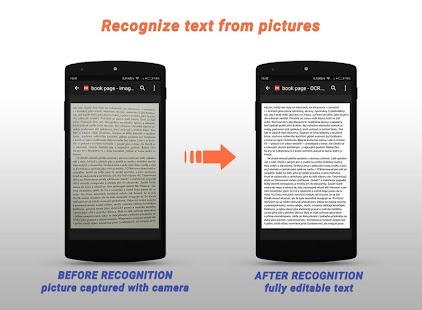
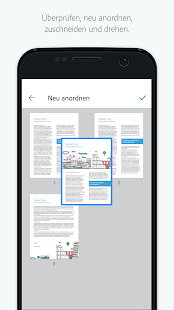
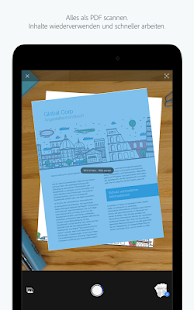
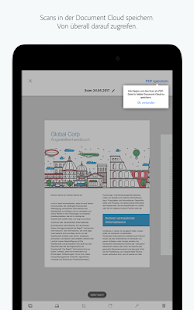
Adobe Pindai aplikasi mengubah perangkat Anda menjadi scanner portabel yang kuat yang mengakui teks otomatis (OCR). Mengubah apa pun - kuitansi, catatan, dokumen, gambar, kartu nama, papan tulis - menjadi PDF Adobe dengan konten Anda dapat menggunakan kembali.

# 12 Cerdas Doc Scanner

Pintar Doc Scanner: Frei PDF Scanner App
  • Pintar Doc Scanner: Frei PDF Scanner App Screenshot
  • Pintar Doc Scanner: Frei PDF Scanner App Screenshot
  • Pintar Doc Scanner: Frei PDF Scanner App Screenshot
  • Pintar Doc Scanner: Frei PDF Scanner App Screenshot
  • Pintar Doc Scanner: Frei PDF Scanner App Screenshot
  • Pintar Doc Scanner: Frei PDF Scanner App Screenshot
  • Pintar Doc Scanner: Frei PDF Scanner App Screenshot
  • Pintar Doc Scanner: Frei PDF Scanner App Screenshot
  • Pintar Doc Scanner: Frei PDF Scanner App Screenshot
  • Pintar Doc Scanner: Frei PDF Scanner App Screenshot
  • Pintar Doc Scanner: Frei PDF Scanner App Screenshot
  • Pintar Doc Scanner: Frei PDF Scanner App Screenshot
  • Pintar Doc Scanner: Frei PDF Scanner App Screenshot
  • Pintar Doc Scanner: Frei PDF Scanner App Screenshot
  • Pintar Doc Scanner: Frei PDF Scanner App Screenshot
  • Pintar Doc Scanner: Frei PDF Scanner App Screenshot
  • Pintar Doc Scanner: Frei PDF Scanner App Screenshot
  • Pintar Doc Scanner: Frei PDF Scanner App Screenshot
  • Pintar Doc Scanner: Frei PDF Scanner App Screenshot
  • Pintar Doc Scanner: Frei PDF Scanner App Screenshot
  • Pintar Doc Scanner: Frei PDF Scanner App Screenshot
  • Pintar Doc Scanner: Frei PDF Scanner App Screenshot
  • Pintar Doc Scanner: Frei PDF Scanner App Screenshot
  • Pintar Doc Scanner: Frei PDF Scanner App Screenshot
Aplikasi mengagumkan ini ternyata smartphone Android Anda menjadi scanner cerdas yang akan memungkinkan Anda untuk mendigitalkan dokumen Anda dalam beberapa detik. Anda dapat memindai apa pun yang Anda inginkan dan bisa mendapatkan opt up file dalam file PDF yang dapat Anda sesuaikan.

# 13 Scanbot

Scanbot Dokumente Scanner App
Pengembang: doo GmbH
Harga: Gratis +
  • Scanbot Dokumente Scanner App Screenshot
  • Scanbot Dokumente Scanner App Screenshot
  • Scanbot Dokumente Scanner App Screenshot
  • Scanbot Dokumente Scanner App Screenshot
  • Scanbot Dokumente Scanner App Screenshot
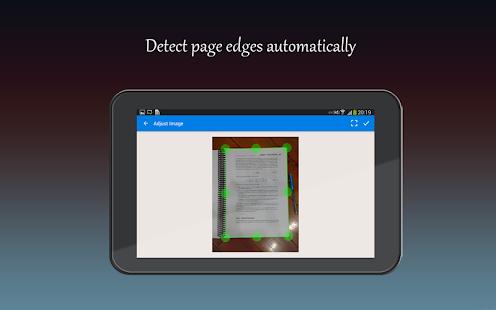
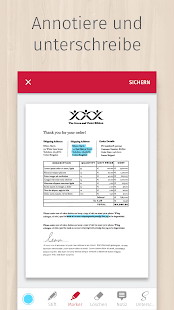
Scanbot adalah dokumen terbaik untuk aplikasi PDF scanner dan sangat mudah digunakan. Anda hanya perlu untuk memegang telepon Anda atas dokumen ra dan Scanbot otomatis akan memindai itu. Pemindai Aplikasi kemudian akan memotong dokumen dan mengoptimalkan warna. Simpan scan anda sebagai PDF atau JPG dengan satu tekan.

# 14 Simple Pindai

Simple Scan - PDF Doc Scanner
Pengembang: Mudah Inc.
Harga: Gratis +
  • Simple Scan - PDF Doc Scanner Screenshot
  • Simple Scan - PDF Doc Scanner Screenshot
  • Simple Scan - PDF Doc Scanner Screenshot
  • Simple Scan - PDF Doc Scanner Screenshot
  • Simple Scan - PDF Doc Scanner Screenshot
  • Simple Scan - PDF Doc Scanner Screenshot
  • Simple Scan - PDF Doc Scanner Screenshot
  • Simple Scan - PDF Doc Scanner Screenshot
  • Simple Scan - PDF Doc Scanner Screenshot
  • Simple Scan - PDF Doc Scanner Screenshot
  • Simple Scan - PDF Doc Scanner Screenshot
  • Simple Scan - PDF Doc Scanner Screenshot
  • Simple Scan - PDF Doc Scanner Screenshot
  • Simple Scan - PDF Doc Scanner Screenshot
  • Simple Scan - PDF Doc Scanner Screenshot
  • Simple Scan - PDF Doc Scanner Screenshot
Scanner Sederhana adalah aplikasi scanner dokumen PDF yang mengubah ponsel Anda menjadi scanner portabel. Anda dapat memindai dokumen, foto, penerimaan, laporan, atau apa saja. pemindaian akan disimpan ke perangkat dalam format gambar atau PDF.

# 15 Kamera Scanner Gambar Scanner

scanner gambar
Pengembang: Accountstudio
Harga: Gratis
  • Gambar Scanner screenshot
  • Gambar Scanner screenshot
  • Gambar Scanner screenshot
  • Gambar Scanner screenshot
  • Gambar Scanner screenshot
  • Gambar Scanner screenshot
  • Gambar Scanner screenshot
  • Gambar Scanner screenshot
  • Gambar Scanner screenshot
Dengan aplikasi ini mengagumkan, Anda dapat mengubah smartphone Anda menjadi scanner yang luar biasa. Anda dapat mengklik gambar dokumen kertas dan mendigitalisasi berkas. Anda bahkan dapat berbagi dokumen dipindai melalui Email, Cloud cetak, Fax dll.

Nah itulah Top 15 Apliaksi Scanner Terbaik Untuk Memindai Dokumen Dengan Android yang harus anda pertimbangkan...